Key Takeaways: Step Counting Accuracy: Phone, Watch or Fitness Band?
- A phone usually counts best when it stays on the body.
- Normal walking is easier to identify than very slow movement, stairs, household tasks, cycling or pushing a pram.
- Count a known number of steps on a normal surface while wearing the device as usual.
Table of Contents
- How each device sees movement
- Accuracy changes with the activity
- Try a simple manual check
- Do not let the target become the purpose
- Which device is the practical winner?
- Location and route privacy
- Why weekly averages are often better
- Use steps to support, not replace, other movement
- Consistency matters more than winning a device comparison
- What matters after the setup
- Why two devices never agree
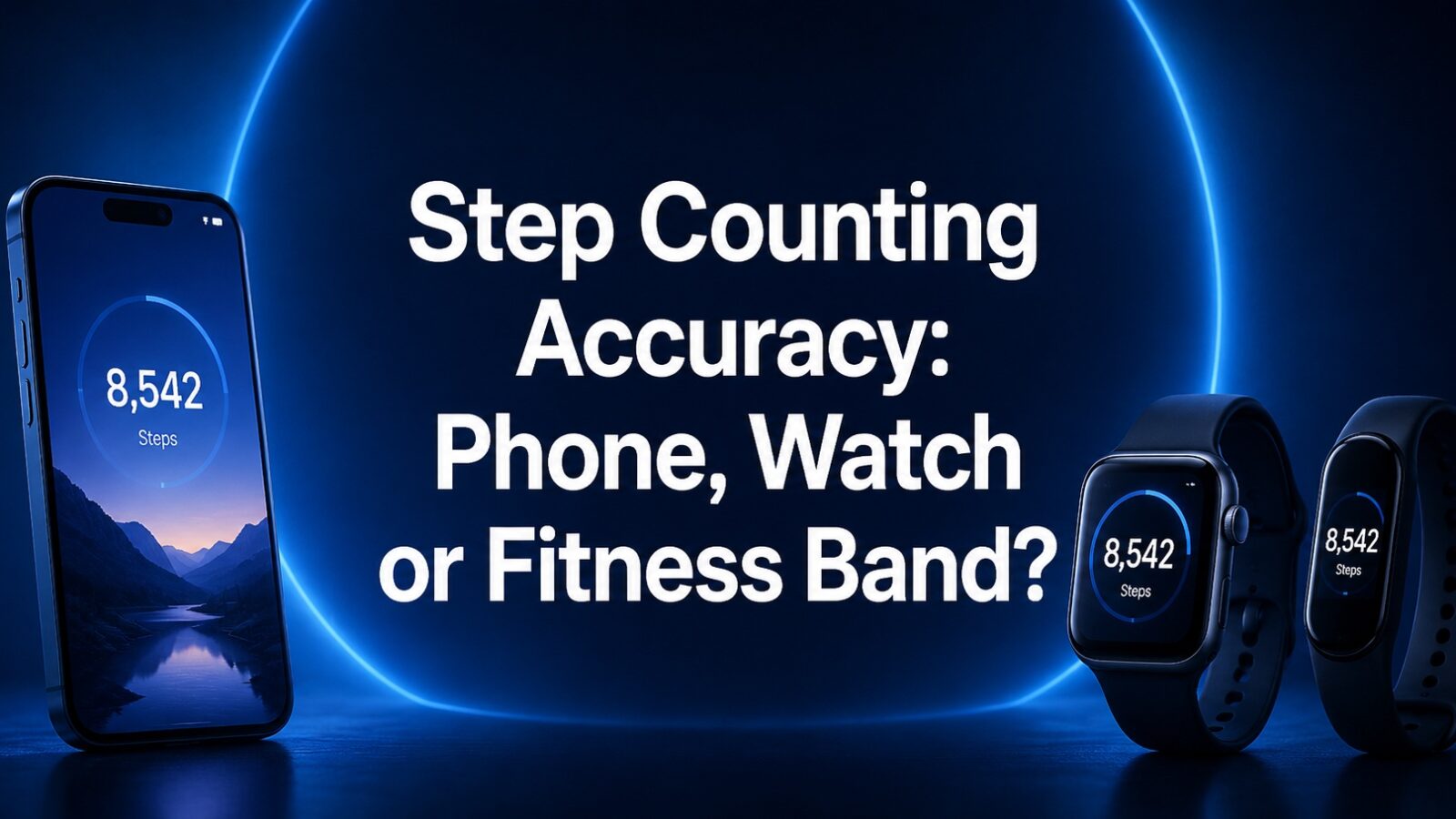
Step counts look simple because the result is one number. In practice, a phone in a bag, a watch on a moving wrist and a band on the non-dominant arm observe different motion. The most accurate option depends on how the person carries the device and what kind of movement fills the day.
Step tracking is a general activity tool, not a medical assessment. People returning to exercise after illness, injury or a long inactive period should use a suitable plan and professional guidance when needed.
How each device sees movement
A phone usually counts best when it stays on the body. Leaving it on a desk or pushing it in a trolley can miss walking. A wrist device stays with the user but may count some hand movements as steps or miss movement when the arm is still.
A fitness band and smartwatch often use similar motion sensors, but placement, filtering and software differ. One brand’s number should not be treated as a universal standard.
Accuracy changes with the activity
Normal walking is easier to identify than very slow movement, stairs, household tasks, cycling or pushing a pram. People who use walking aids may also see undercounting because the usual arm pattern changes.
The goal should determine whether this matters. A general movement trend can remain useful even when the exact daily count is imperfect.
- Wear the device in the recommended position.
- Carry the phone consistently.
- Check the dominant-wrist setting.
- Avoid comparing different devices on different days.
Try a simple manual check
Count a known number of steps on a normal surface while wearing the device as usual. Repeat once at a comfortable pace and once more slowly. This does not create a laboratory validation, but it can reveal a major setup problem.
If the difference is large, check permissions, battery-saving settings, stride information and whether two apps are combining data.
Do not let the target become the purpose
A daily target can encourage a walk, but a missed number is not evidence of failure. Activity guidelines include duration, intensity, strength and the needs of the individual. Steps are only one convenient proxy.
Some users benefit from a weekly average or a gradual increase from their own baseline. This is often more realistic than adopting a popular number without context.
Which device is the practical winner?
Choose the phone when it is carried reliably and no extra device is needed. Choose a band when comfort, battery life and simple tracking matter. Choose a watch when the user also needs GPS, workouts, communication or health alerts.
The most dependable tracker is the one used consistently in the situations that matter.
- Phone: low cost, easy to forget or leave behind.
- Band: simple and light, fewer advanced functions.
- Watch: broad features, more charging and distractions.
- Manual record: useful when devices do not fit the movement pattern.
Location and route privacy
Step apps may also collect GPS, workout routes and social information. Hide home addresses, review friends and followers and turn off background location when it is not needed.
A step count does not require a public map of the user’s routine.
Why weekly averages are often better
Daily step totals change with work, weather, illness and travel. A weekly view shows whether movement is broadly increasing without turning one quiet day into a problem. It also makes rest and recovery easier to include.
Set a personal baseline for two weeks before raising the target. A modest increase that fits the routine is more sustainable than jumping to a number chosen by an app.
- Measure the current baseline.
- Increase gradually.
- Keep rest days visible.
- Review the month rather than one day.
Use steps to support, not replace, other movement
Strength training, cycling, swimming and mobility work may produce few steps while offering important benefits. An app that rewards only walking can understate a balanced routine.
Keep these activities visible in the weekly record even when they do not increase the step total. The purpose is health and function, not winning one metric.
Consistency matters more than winning a device comparison
A phone may miss steps when it is left on a desk, while a wrist device can count hand movements that are not walking. The better tracker is often the one carried consistently during the activity the user wants to change.
Avoid treating a universal step target as a medical requirement. A gradual increase from a personal baseline can be more realistic, particularly for older adults, people with disability or anyone returning after illness.
What matters after the setup
Step counts are most useful as a personal movement trend. Choose the device you will carry consistently, accept some error and keep the broader purpose of activity in view.
For people recovering from illness or living with disability, step targets may need to be replaced with time, effort, range of motion or another agreed measure. A tracker should adapt to the person’s capacity rather than present a standard target as a judgement.
Why two devices never agree on your step count
A step is not a defined physical quantity, it is a pattern a manufacturer decides to recognise. Every device applies its own threshold to accelerometer data, so differences of five to ten percent between a phone, a watch and a band on the same walk are normal rather than evidence that one is broken.
The placement explains most of the rest. A phone in a pocket misses everything you do while it sits on a desk, and counts some steps twice when it swings in a bag. A wrist device counts arm movement, which is why it inflates the count while you wash up and undercounts when you push a trolley or hold a handrail. An ankle or waist device is closest to a true gait count and is also the least convenient. Nobody is authorised as a medical measurement here, and the FDA’s digital health material describes that general wellness boundary.
The useful conclusion is to stop comparing across devices and start comparing your own trend on one device. The public health target is not expressed in steps anyway: the CDC recommendation for adults is 150 minutes of moderate-intensity aerobic activity a week or 75 minutes of vigorous, plus two days of muscle-strengthening work. A step count is a convenient proxy for daily movement, and it is the consistency of that number rather than its accuracy that predicts whether you are meeting the guideline.