Key Takeaways: Fall Detection on Smartwatches: How It Works and How to Set It Up
- Most systems combine accelerometer and gyroscope data with an algorithm trained to recognize rapid movement, impact and the stillness that may follow.
- A contact should know the wearer’s address, access arrangements and usual medical needs without receiving more private information than necessary.
- Run a safe practice test.
Table of Contents
- How the watch recognizes a possible fall
- Set up the details before an emergency
- Run a safe practice test
- Fall detection belongs in a wider plan
- When the feature may be a poor fit
- Review the setup every few months
- Decide what each contact should do
- False alarms need a calm response
- Consider alternatives when a watch is not worn
- Respect the wearer’s privacy and choice
- manage it as backup, not certainty
- Why falls are worth taking seriously
- What it can miss
- Sources and further reading
Fall detection is often marketed as a quiet safety net: the watch senses a hard fall, checks whether the wearer responds and contacts help if needed. The idea is valuable, particularly for someone who lives alone, but the system is not a guarantee. It depends on the type of fall, the watch being worn, network access, location settings and the user noticing the alert.
This article is general information about consumer health technology, not informational context. It cannot identify patterns in a condition or replace a qualified professional. Speak with a clinician about your own health.
How the watch recognizes a possible fall
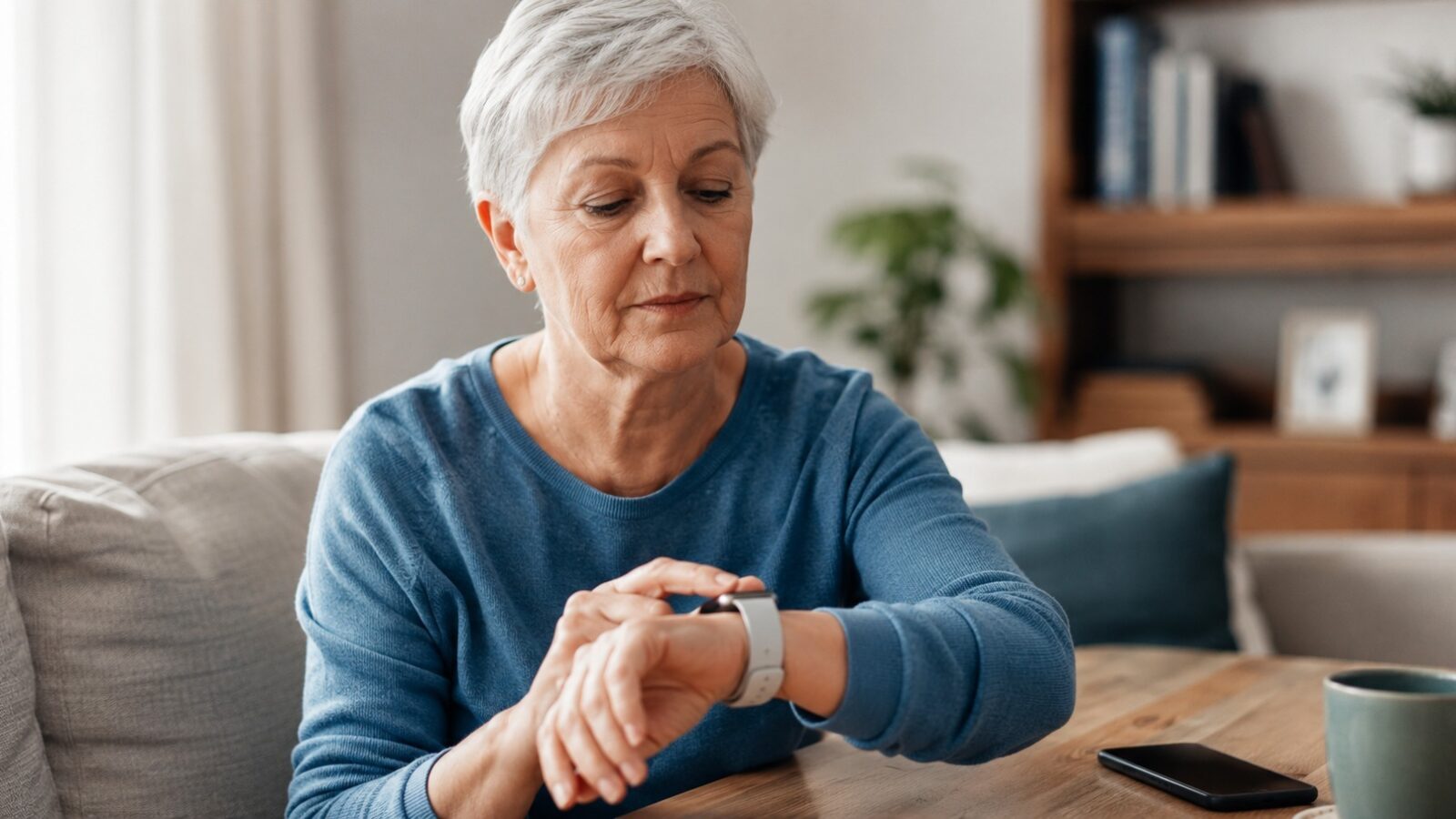
Most systems combine accelerometer and gyroscope data with an algorithm trained to recognize rapid movement, impact and the stillness that may follow. The watch then displays or sounds a prompt. If the wearer does not dismiss it, the device may call an emergency number or notify selected contacts.
Not every fall follows the expected pattern. Sliding from a chair, lowering slowly to the floor or falling onto a soft surface may be missed. Vigorous sport, dropping the arm or hitting an object can trigger a false alert.
Set up the details before an emergency
- Enter accurate age and emergency information where the feature uses them.
- Choose contacts who understand what an alert means and can act.
- Enable location only to the level needed for the safety function.
- Confirm whether the watch needs a paired phone, mobile plan or Wi-Fi.
- Check whether the feature is active automatically or must be turned on.
A contact should know the wearer’s address, access arrangements and usual medical needs without receiving more private information than necessary. The wearer should also know how to cancel a false alarm quickly.
Run a safe practice test
Do not deliberately fall. Use the manufacturer’s test or demonstration mode, if available, and practise the screen sequence while seated. Check the vibration, sound, text size and whether the wearer can respond with limited dexterity or without glasses.
Test calling and messaging from the places where the person spends time. A smartwatch cannot contact anyone if the connection or account has failed.
Fall detection belongs in a wider plan
Home lighting, footwear, medication review, strength, vision, handrails and clear walking paths may prevent more harm than any alert. A watch helps after an event; it does not remove the reasons a fall happens.
For families considering more continuous support, remote patient monitoring for older adults explains consent, caregiver roles and alert fatigue. A wearable used for chronic-condition management also needs a clear response plan.
When the feature may be a poor fit
Someone who frequently removes the watch, cannot keep it charged, dislikes emergency sharing or experiences repeated false alerts may not benefit. Skin irritation, cognitive impairment and difficulty understanding the prompt also change the risk-benefit balance.
Review the setup every few months
Contacts change phones, subscriptions expire and software updates alter settings. Recheck the watch after a new phone, account change, travel or health event. Safety features are useful only when the people, permissions and connections still work.
Decide what each contact should do
An emergency contact may receive a text with a map, a call or an automated message. Agree whether the person should call the wearer, contact a neighbour or request emergency help. A contact who lives far away may be useful for coordination but unable to reach the home quickly.
Keep entry instructions and essential information somewhere secure and accessible to the chosen helpers. Do not put detailed medical history into a message that may appear on a locked screen.
False alarms need a calm response
Repeated false alerts can lead people to disable the feature. Review when they happen: exercise, dropping into a chair, vigorous arm movement or a loose device may be involved. Adjust only the settings offered by the manufacturer and confirm that a change does not silently turn off automatic calling.
Consider alternatives when a watch is not worn
A pendant, home sensor, phone shortcut or scheduled check-in may suit someone who removes a watch at night or cannot manage a touchscreen. No device covers every room and situation, so the plan should reflect the person’s habits rather than the newest product.
Respect the wearer’s privacy and choice
Location sharing can be protective and intrusive at the same time. Discuss who can see it, whether it is continuous and how the wearer can pause it. Safety planning works better when the person understands and accepts the arrangement.
manage it as backup, not certainty
Fall detection can shorten the time to help in some situations. It is strongest when the user understands its limits and combines it with practical prevention, reliable contacts and a tested emergency plan.
Why falls are worth taking seriously
Fall detection is easy to dismiss as a niche feature until you look at the numbers. Falls are a leading cause of injury among older adults, and a fall that leaves someone unable to get up, sometimes called a long lie, can turn a survivable accident into a medical emergency. That is the gap the feature is designed to close: not preventing the fall, but shortening the time before help arrives. For someone who lives alone, that delay can be the difference that matters most, which is why the feature pairs naturally with the broader safety net described in remote patient monitoring for older adults.
What it can miss
It is equally important to know the limits, because over-trusting the feature is its own risk. Detection algorithms are tuned to recognize the sharp impact of a hard fall, so a slow slump to the floor, a slide from a low chair, or fainting onto a soft surface may not trigger an alert at all. The watch must also be worn, charged and snug on the wrist to work, and if the wearer gets up and moves, the device typically assumes they are fine and cancels the countdown. None of this makes the feature useless; it makes it a backup. Falls are better addressed first through prevention, removing home trip hazards, reviewing medications that affect balance, checking vision, and keeping a phone or alert device within reach, with detection as the safety net behind those steps.